 Albanien
 Amerikas Forenede Stater
 Argentina
 Australien
 Belgien
 Bosnien-Hercegovina
 Brasilien
 Bulgarien
 Canada
 Chile
Chile
 Colombia
 Danmark
 Estland
 Filippinerne
 Finland
 Frankrig
 Grækenland
 Irland
 Italien
 Kroatien
 Letland
 Litauen
 Luxembourg
 Mexico
 Moldova
 Montenegro
 Nederlandene
 New Zealand
 Nordmakedonien
 Norge
Norge
 Polen
Polen
 Portugal
 Rumænien
 Schweiz
 Serbien
 Slovakiet
 Slovenien
 Spanien
 Storbritannien
 Sverige
 Sydafrika
 Tjekkiske Republik
 Tyrkiet
 Tyskland
 Ukraine
 Ungarn
 Østrig







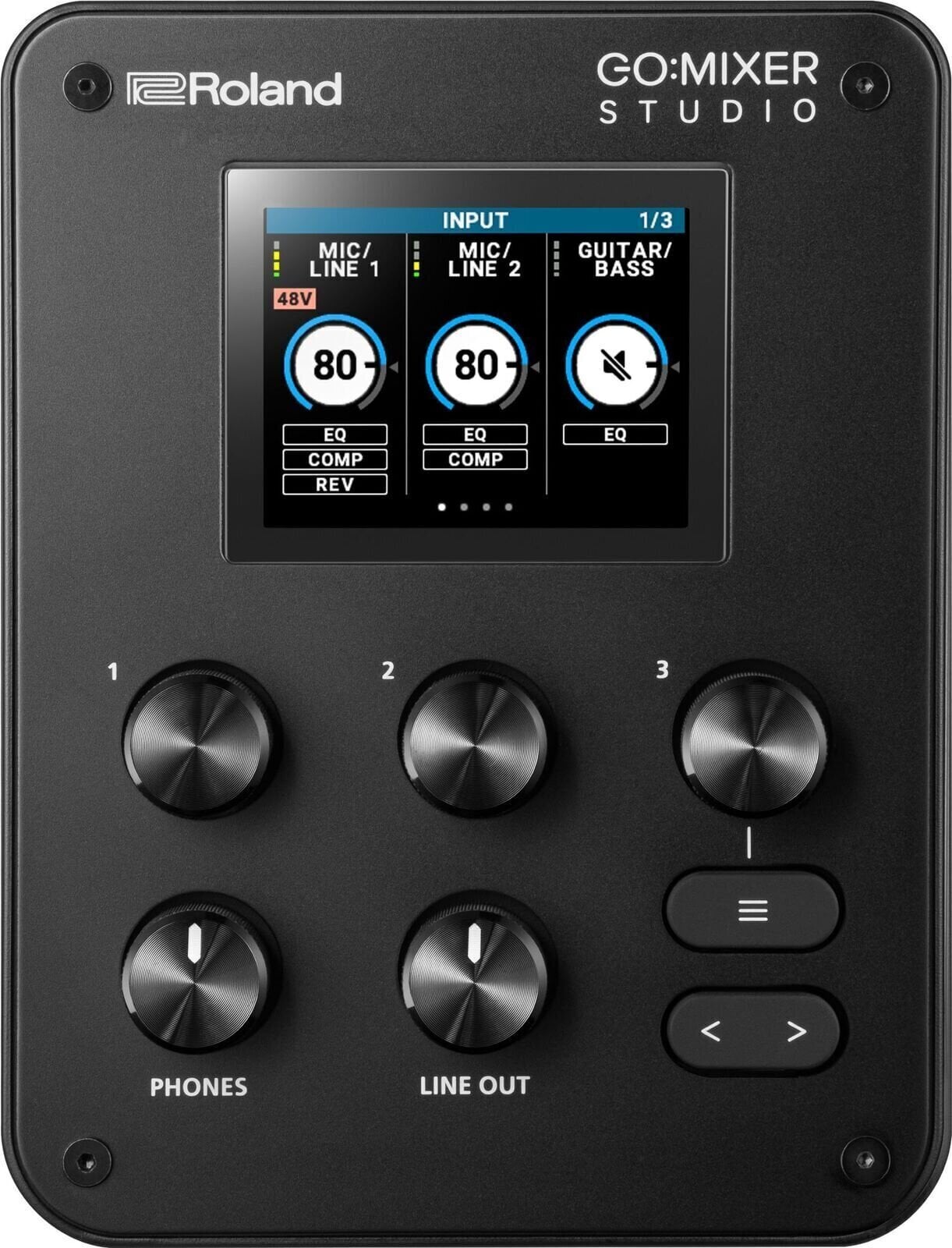
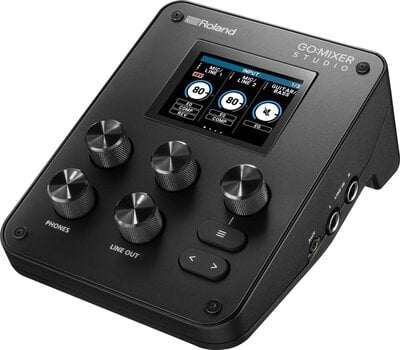
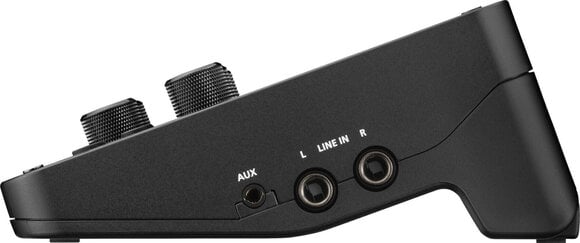
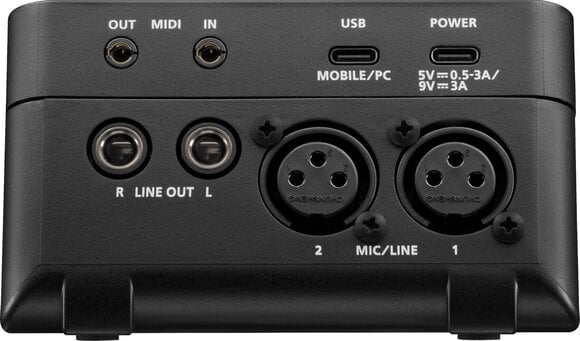
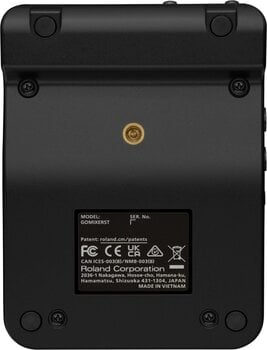
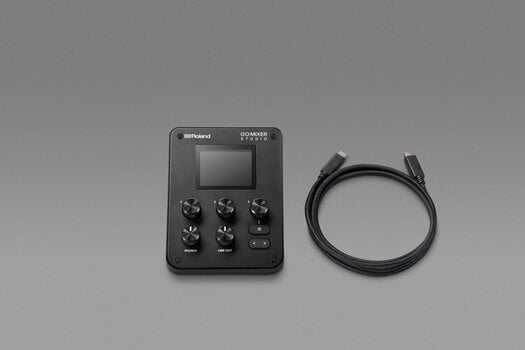
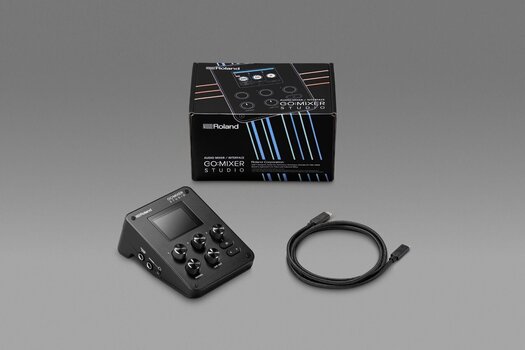
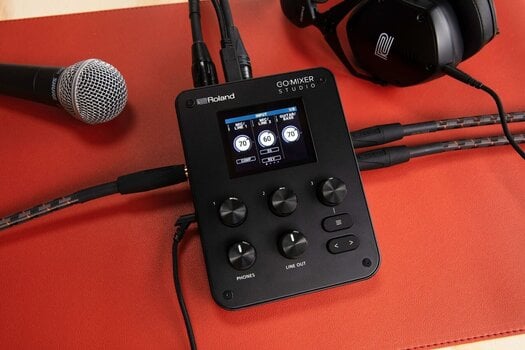
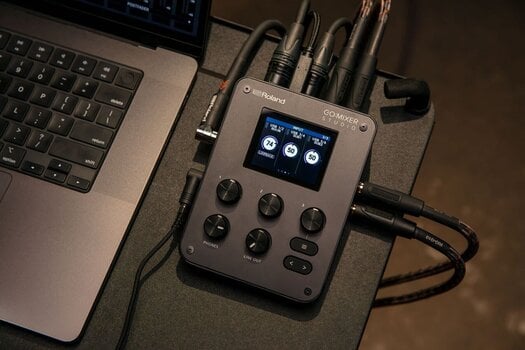
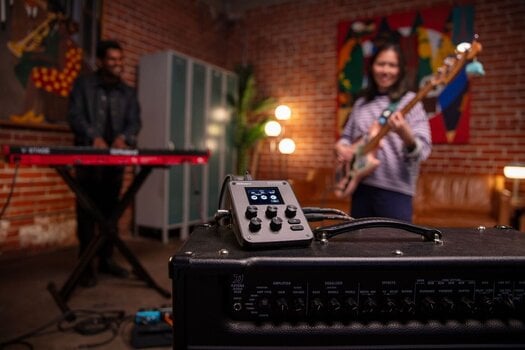
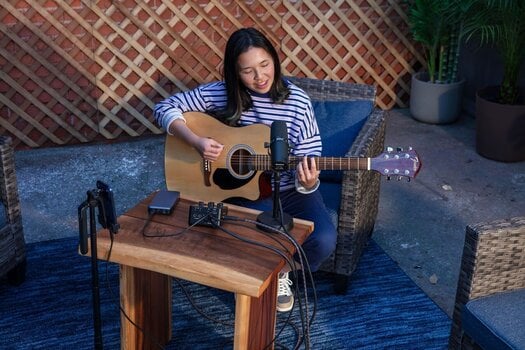
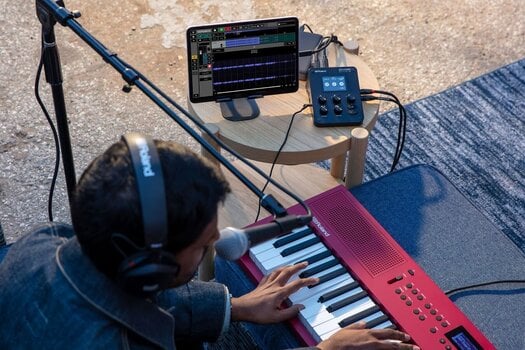


Roland GO:MIXER STUDIO USB-lydgrænseflade
Made for performance video creators and music artists, GO:MIXER STUDIO infuses Roland’s portable mixer/interface platform with new power, flexibility, and range. Enhanced sound quality, expanded I/O, and onboard effects unlock more creative possibilities, supported by an intuitive interface with hands-on knobs and a color display. Powerful companion apps make your workflow even smoother, allowing you to capture videos with multitrack audio and control deep mixing functions on the spot.
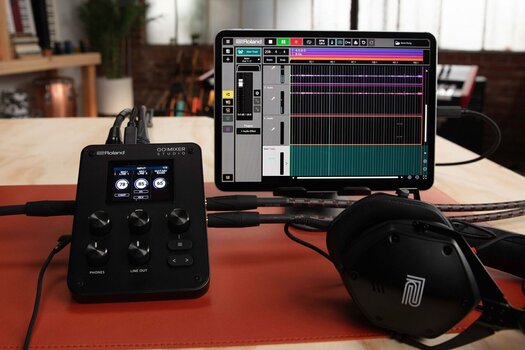
Whether creating videos with your iPhone/iPad or producing songs with music software, GO:MIXER STUDIO makes it easy to capture multiple audio sources with studio-grade sound wherever inspiration strikes.
An essential creative partner
Today’s smartphones and tablets enable you to capture stunning video everywhere you travel. GO:MIXER STUDIO is the ultimate accessory for serious creators who use iOS devices, providing a convenient way to record multi-channel sound with the quality to match the video. Its portable design is always ready for action, from outdoor locations to studio environments. This versatile device also works for DAW music production, or as a standalone mixer for live performances, podcasts, and more.
Premium audio quality
GO:MIXER STUDIO delivers exceptional sound in an amazingly compact size. Support for rates up to 24-bit/192 kHz allows you to record multi-channel sources with audio quality that rivals top studios. Complete mixer setups can be stored in 16 scene memories, so you can start working with the touch of a button.
All the inputs you need
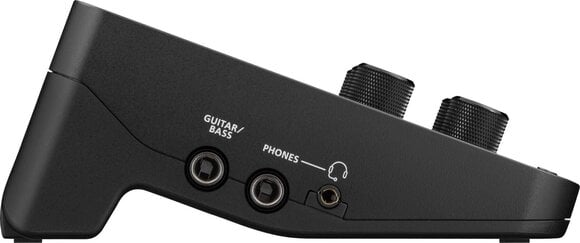
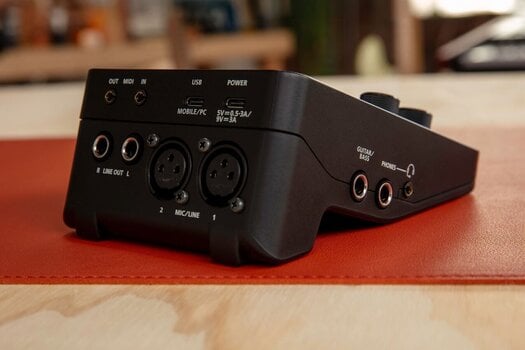
With a generous selection of inputs, GO:MIXER STUDIO lets you tackle any creative scenario. Two XLR mic/line inputs feature high-quality mic preamps with a wide gain range, allowing for the capture of vocals, acoustic instruments, and other sources in any environment. There’s also a dedicated guitar/bass input, plus ¼-inch inputs for a stereo instrument like a keyboard, V-Drums kit, or Aerophone. Use the aux input for additional stereo sources, complete with TRRS support for bidirectional audio with mobile devices.
Output versatility
GO:MIXER STUDIO provides multiple ways to monitor sound on the go. There’s a ¼-inch jack for standard studio headphones, along with a mini jack for wired ear buds. The mini jack also supports a headset or an inline microphone, providing an additional recording source. Two ¼-inch line outputs are available to connect to a speaker system in a studio or an indoor shooting location, and sound control is simple with dedicated knobs on the panel.
Onboard effects
With a suite of effects at your fingertips, you can polish sounds without the need for external gear. You get a three-band EQ, plus a compressor and reverb modeled after high-end studio processors. Apply processing while recording to capture a finished sound. Or use it for monitoring only and add your own processing later in your favorite DAW.
Record and mix multitrack audio with the GO:MIXER Cam App
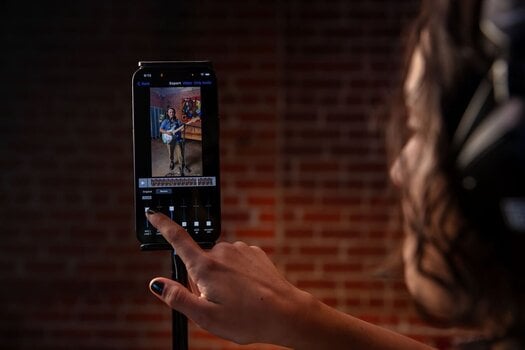
The GO:MIXER Cam App for iOS surpasses the capabilities of standard camera apps, letting you capture multitrack audio alongside your videos. Record independent audio for every GO:MIXER STUDIO input, then mix it after the video recording to create the perfect balance. It’s also possible to export your multitrack files for mixing in a DAW or computer video editor.
Control your sessions with the GO:MIXER Editor
With the panel controls and color display, you can efficiently control sessions directly on GO:MIXER STUDIO. To streamline your workflow even further, check out the GO:MIXER Editor for macOS and Windows. This powerful app provides access to all GO:MIXER STUDIO parameters on your computer’s large display, making it perfect for managing large sessions both in and out of the studio.


Phantom Power
Ord ur
ADAT
Grænseflade
LAN
MIDI-grænseflade
Antal indgangsporte
Antal udgange
5
Kontrolelementer
DA Konvertering
AD konvertering
Bit dybde
24 bit, 32 bit
USB-version
USB-C
AES/EBU
MADI
Kan monteres i stativ
S/PDIF
USB
Ja (2 )
Ethernet
Analoge indgange
Indgange
Jack 3,5 mm, Jack 6,3 mm (3 x), MIDI IN Jack 3,5mm, XLR (2 x)
Instrument indgange
Mikrofon indgang
Linjeindgange
Linjeudgang
Analoge udgange
Hovedtelefon udgang
Optisk udgang
Nej
Pakkens indhold
USB-C to USB-C cable, Brugervejledning
UK/EU Strømforsyning er inkluderet
Nej
Længde (cm)
15,6
Bredde (cm)
11
Højde (cm)
6,5
Vægt
440 g
Lavet i
Kina


Dokumenter
Sikkerhedsinstruktioner
Se brugervejledningen for de specifikke sikkerhedsinstruktioner for dette produkt.


