 Albanien
 Amerikas Forenede Stater
 Argentina
 Australien
 Belgien
 Bosnien-Hercegovina
 Brasilien
 Bulgarien
 Canada
 Chile
Chile
 Colombia
 Danmark
 Estland
 Filippinerne
 Finland
 Frankrig
 Grækenland
 Irland
 Italien
 Kroatien
 Letland
 Litauen
 Luxembourg
 Mexico
 Moldova
 Montenegro
 Nederlandene
 New Zealand
 Nordmakedonien
 Norge
Norge
 Polen
Polen
 Portugal
 Rumænien
 Schweiz
 Serbien
 Slovakiet
 Slovenien
 Spanien
 Storbritannien
 Sverige
 Sydafrika
 Tjekkiske Republik
 Tyrkiet
 Tyskland
 Ukraine
 Ungarn
 Østrig




Sonoris DDP Creator Pro (Digitalt produkt)
Sonoris DDP Creator
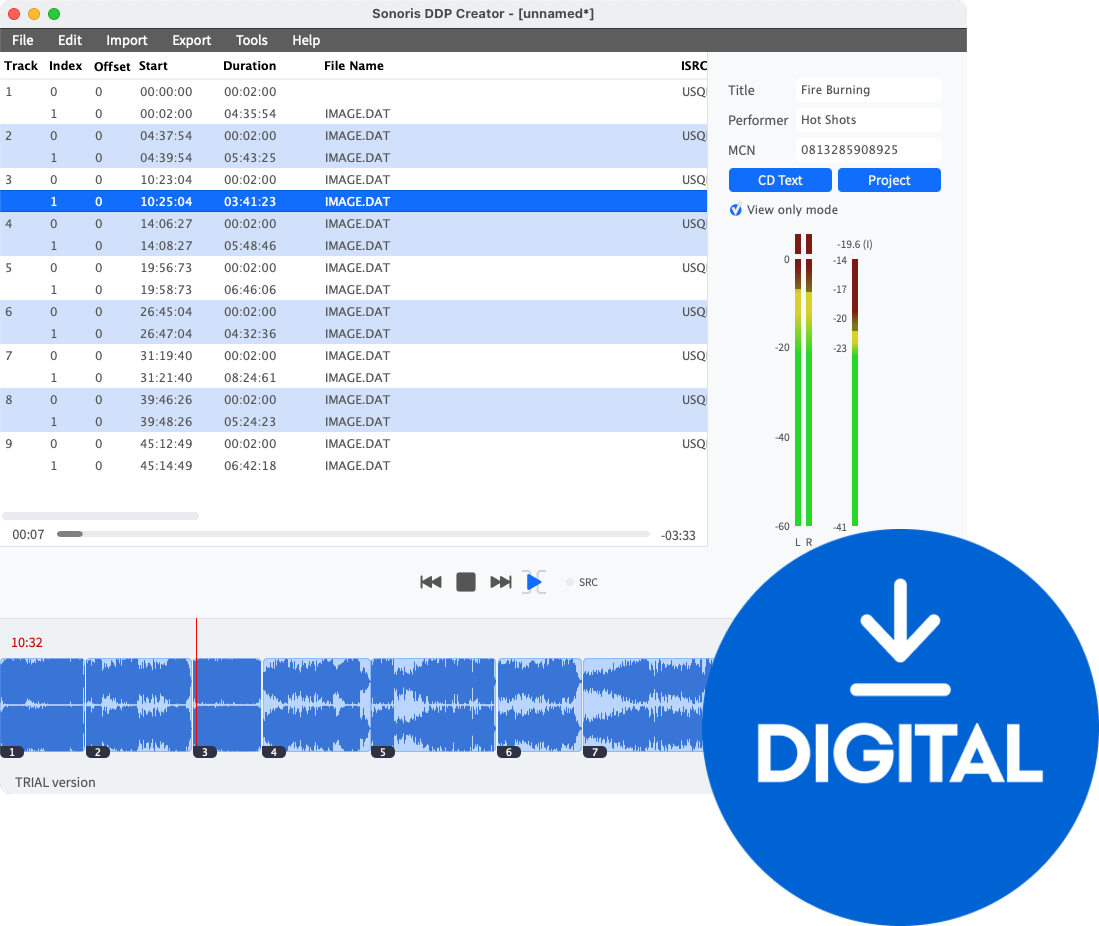
The Sonoris DDP Creator is an intuitive application designed for creating high-quality audio masters, seamlessly compatible with nearly any Digital Audio Workstation (DAW). Whether you're producing professional Red Book-compliant CDs or vinyl masters, this software allows you to effortlessly import and export DDP 2.00 images and Cue Sheet files, burn and rip CDs, and share your masters in the cloud.
CD Authoring
Easily assemble a Red Book compatible CD by dragging and dropping mastered 16-bit WAV or AIFF files into the workspace. Set the track order, adjust spaces between tracks, and audition transitions between them. Edit PQ points, ISRC, MCN, and CD-Text data before exporting to DDP, Cue Sheet, or CD, and print a PQ sheet if necessary.
Enhanced CD Support
The Pro option enhances your experience by adding support for Enhanced CDs. Create Enhanced CD DDP filesets by incorporating an ISO file into your audio project, whether it’s a Hybrid ISO from Toast or one created with the DDP Creator.
DDP Import and Export
In addition to exporting DDP files, the DDP Creator allows you to import DDP filesets created by other software, such as Bias Peak Studio, Sonic Studio HD, SADiE, Sequoia, or Pyramix. This feature enables you to review and edit projects, including all PQ codes, ISRC, MCN, and CD-Text data, and then export or burn a Red Book compatible CD.
Vinyl Mastering
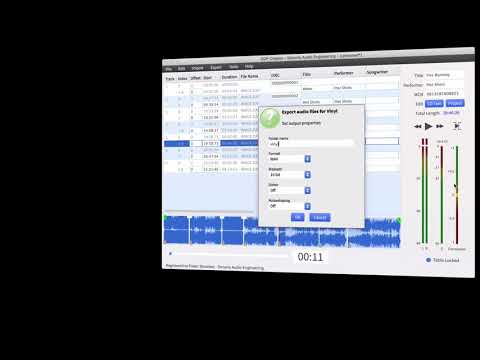
The Pro version includes a vinyl mastering mode that splits your project into sides A and B. A stereo phase correlation meter helps prevent issues during the cutting stage. Export your project as two audio files for each side in WAV, AIFF, or FLAC format, and generate a PDF tracklist for the cutting plant. You can also add sides C and D for double albums.
No Clip Technology
Prevent clipping when encoding audio to MP3 or AAC formats with No Clip Technology. This feature analyzes the audio and adjusts pre-encoder attenuation to ensure a clean output.
iOS App
Included is an iOS version of the DDP Player. Simply download the free app from the Apple App Store and use your serial number to unlock it. The DDP Player supports easy DDP file imports via Dropbox.
Dropbox Support
Export your master and upload directly to Dropbox, Google Drive, Amazon S3, or Microsoft OneDrive. Optimize your storage by zipping files before uploading, making it easy to share projects with clients and streamline your workflow.
Key Features
- Supports import and export of .wav, .aif, .flac, and .m3u files
- MP3 and AAC encoding up to 320 kbps
- 24 and 32-bit file support
- Sample rates from 44.1 kHz to 96 kHz
- High-quality sample rate conversion
- Re-order tracks and edit ISRC, MCN, and CD Text
- Playback individual tracks or entire projects
- Export DDP 2.00 image files and import DDP 1.0x and 2.00 image files
- Audio CD burning and ripping
- Vinyl mastering for single and double albums
- Enhanced CD support
- Batch export of projects to multiple formats
- Automatic updates and easy online license activation
- Custom PQ sheet logo and adjustable gain per track
Yderligere info

Licensens varighed
Download
Understøttede plug-in-formater
Standalone
Licens
Systemkrav
Windows 7 <, Mac OSX 10.11
Prøve bedømmelse
Hardwarekrav
4 GB RAM, Apple Silicon
Dokumenter
Sikkerhedsinstruktioner
Se brugervejledningen for de specifikke sikkerhedsinstruktioner for dette produkt.


